Fraudulent Payments Review
Equifax on the Kount 360 Platform
Enterprise Product Design // Design Leadership // UX Architecture
As the Lead UX Designer in an industry leading company, I directed the design efforts across multiple products in an effort to unify the experience of one of our core services.
More project details are available upon request.
Themes
User Experience Design, Information Architecture, Branding Consistency
Team
Product Managers, Developers, Solution Architects, Stakeholders
Tools
Figma, Jira, Confluence, Gemini
Timeline
May 2021 - May 2026
There are more than 100 million creditor transactions online every day, and Kount uses data and AI/ML to protect those merchants fulfilling them from fraud.
Kount is one of the leading payments protection and fraud prevention tools on the market. They have millions of transactions a day go through their industry leading solution, Kount Command, and have a whole suite of solutions for various parts of the payment process.
However, after over 15 years, the leading solution for Kount needed to be rebuilt and supported on the cloud. I was tasked with improving the user experience of Kount Command as it was updated for the future.
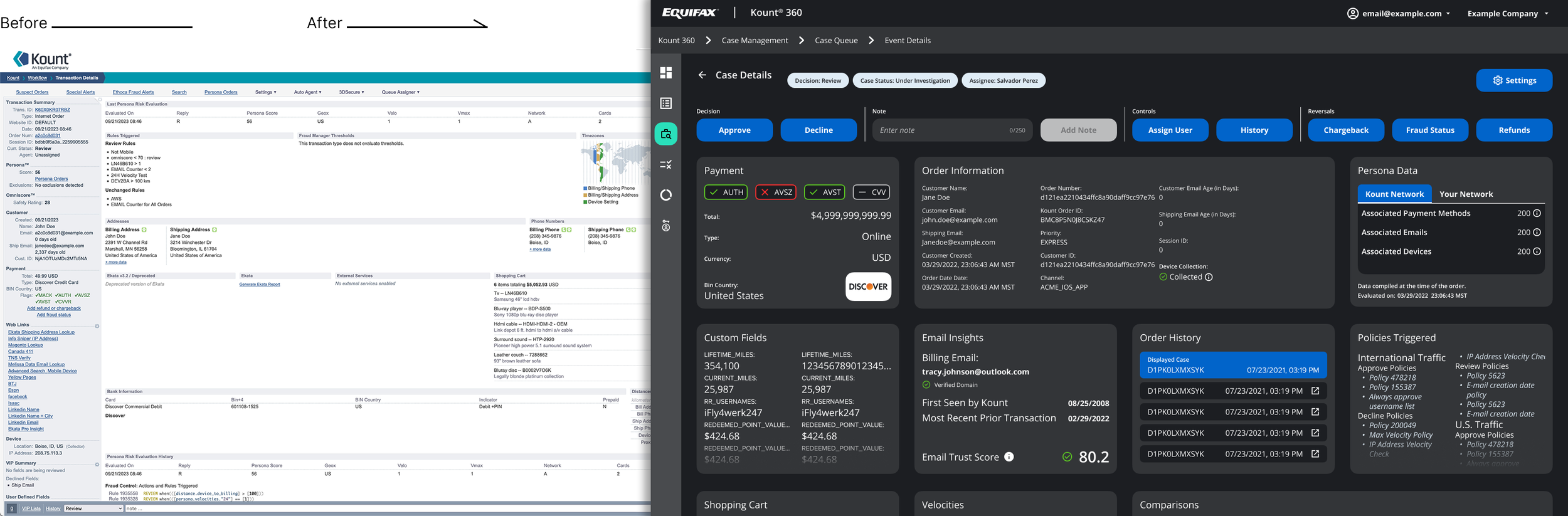
How might we improve task completion rate and time to task for fraud analysts in the new Kount Command.
The new Kount Command was an opportunity to innovate and improve the experience for for users. Command’s most active users were fraud analysts at merchant companies, so it was natural to target their experience on the platform and make measurable improvements.
By focusing on the Fraud Analyst position, I was able narrow the scope of the project and keep the unsung heroes of large merchant companies at the heart of the product.
In conjunction with product managers, I began interviewing and doing internal research with Kount’s own internal fraud analysts.
Research Journey
I closely collaborated with five internal users in our Professional Services department, gathering valuable feedback on a new interface design. Through insightful conversations and quick feedback sessions, I gained an understanding of their pain points, preferences, and expectations. Those findings included:
AI Scores are not useful for analysts; they are better for sending cases to review
The data within Kount is verified by analysts with third-party applications
All five analysts could NOT clearly say what datum was the most important when determining payment fraud.
Swiftly iterating on a prototype, I addressed some of their needs to enhance the overall user experience. To validate the design decisions, I organized a user testing session with external Dell users, extending the reach beyond internal stakeholders. This collaborative approach refined the design some more, aligning it with internal requirements and a broader user base. Leveraging internal and external feedback, I created an intuitive, user-centered solution for our customers.

Prototyping
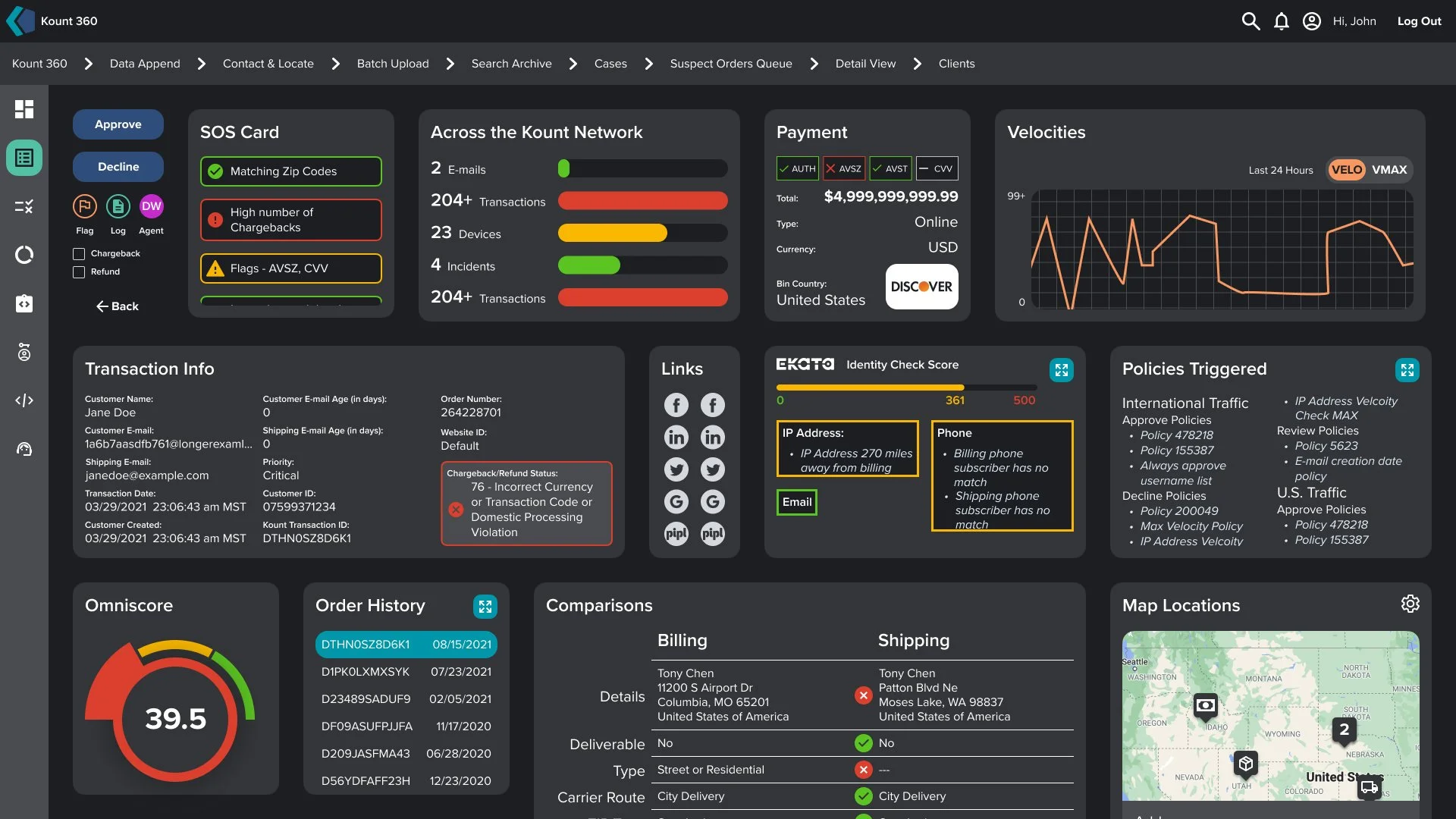
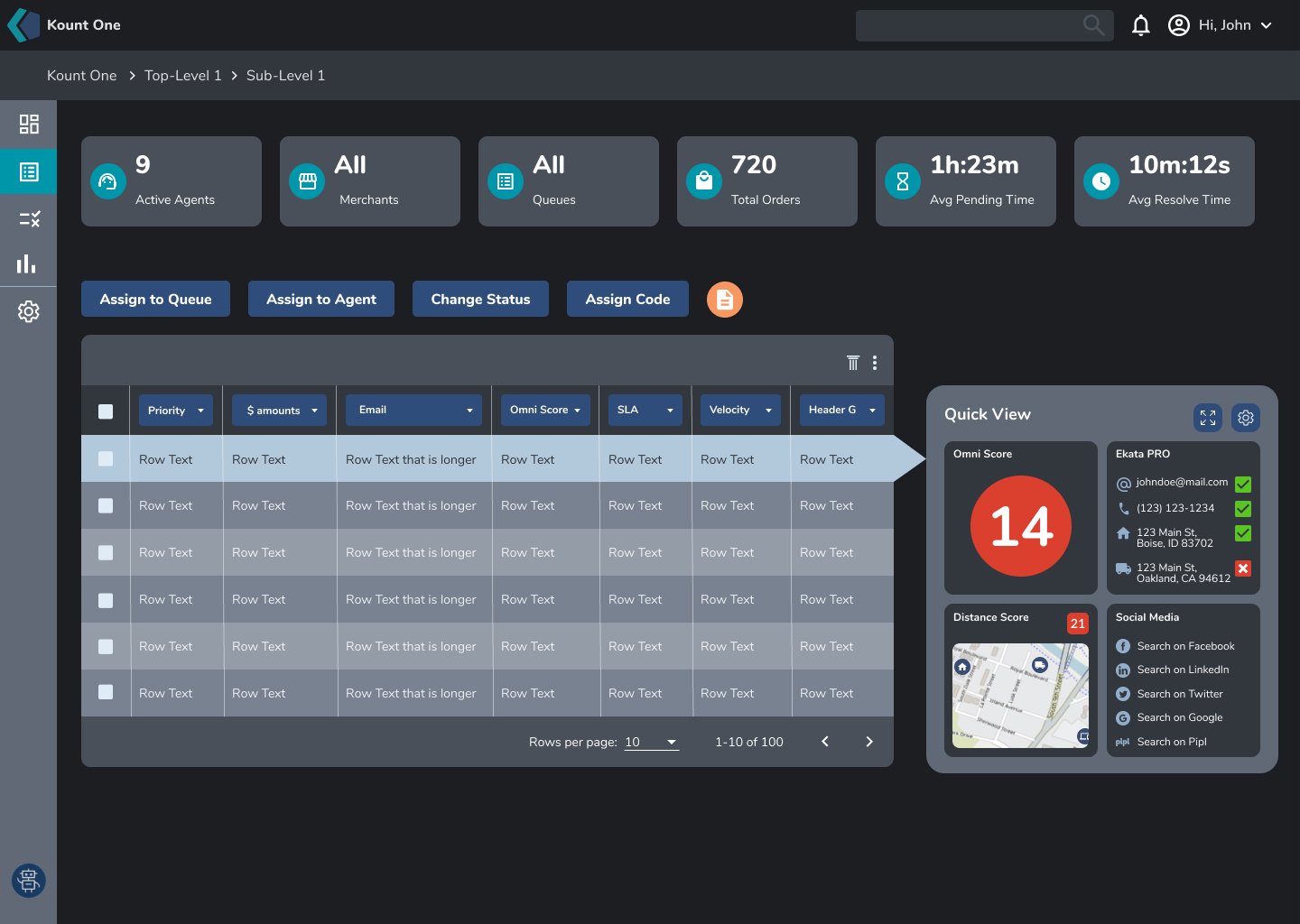
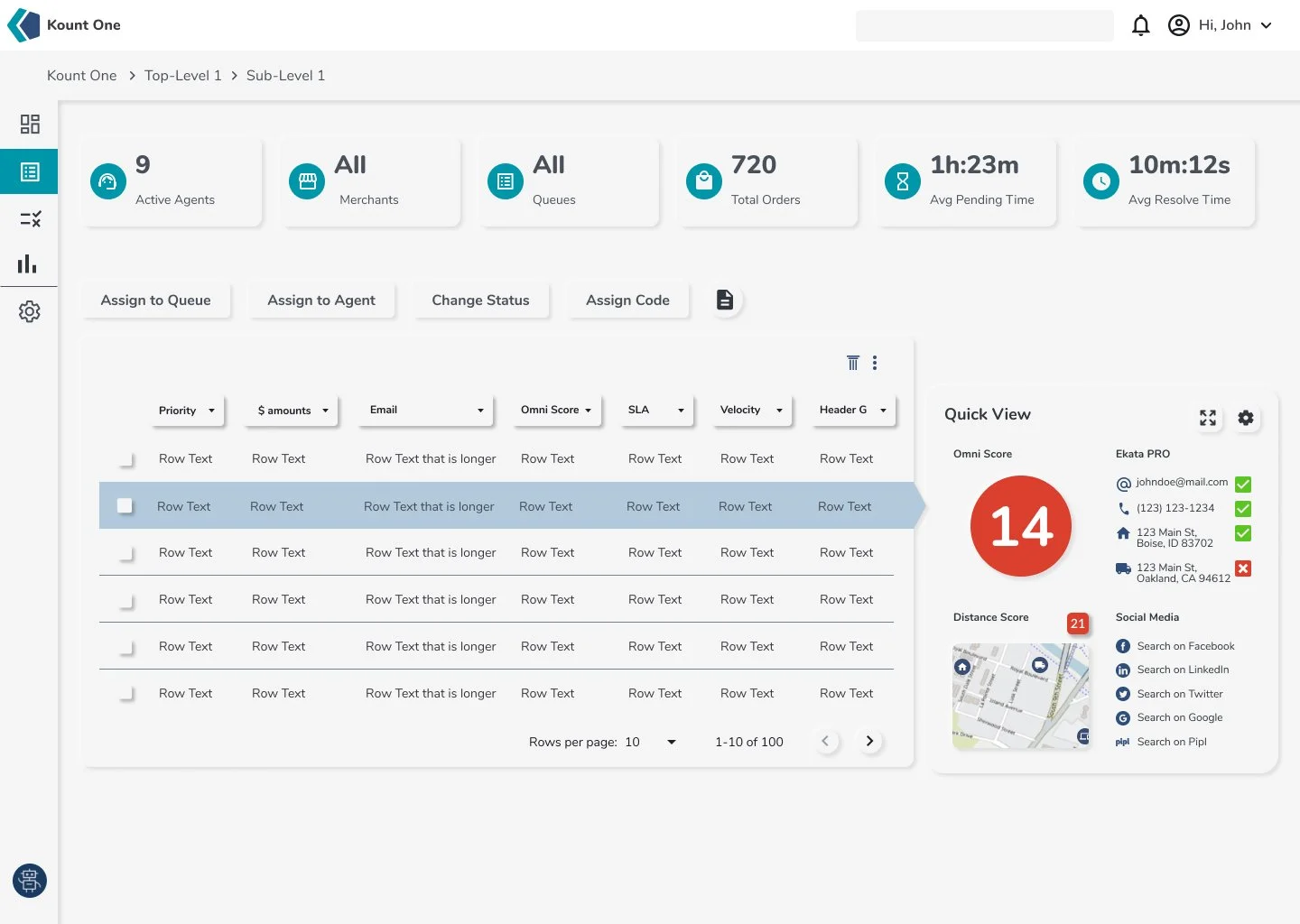
Rapid prototyping is essential in modern design, enabling quick iterations and feedback. Using Figma, I was able to collaborate and share designs with stakeholders instantly and get feedback faster than ever.
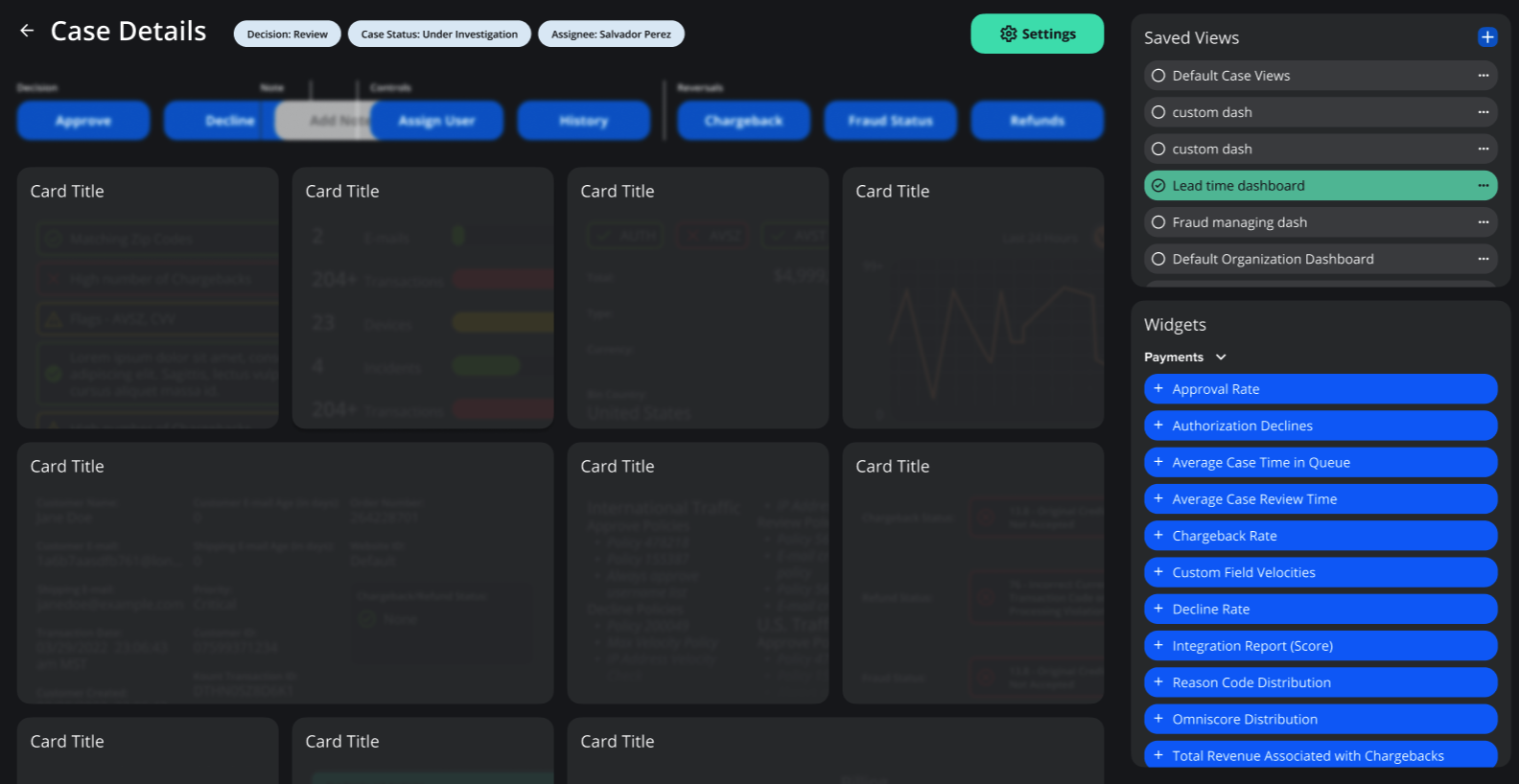
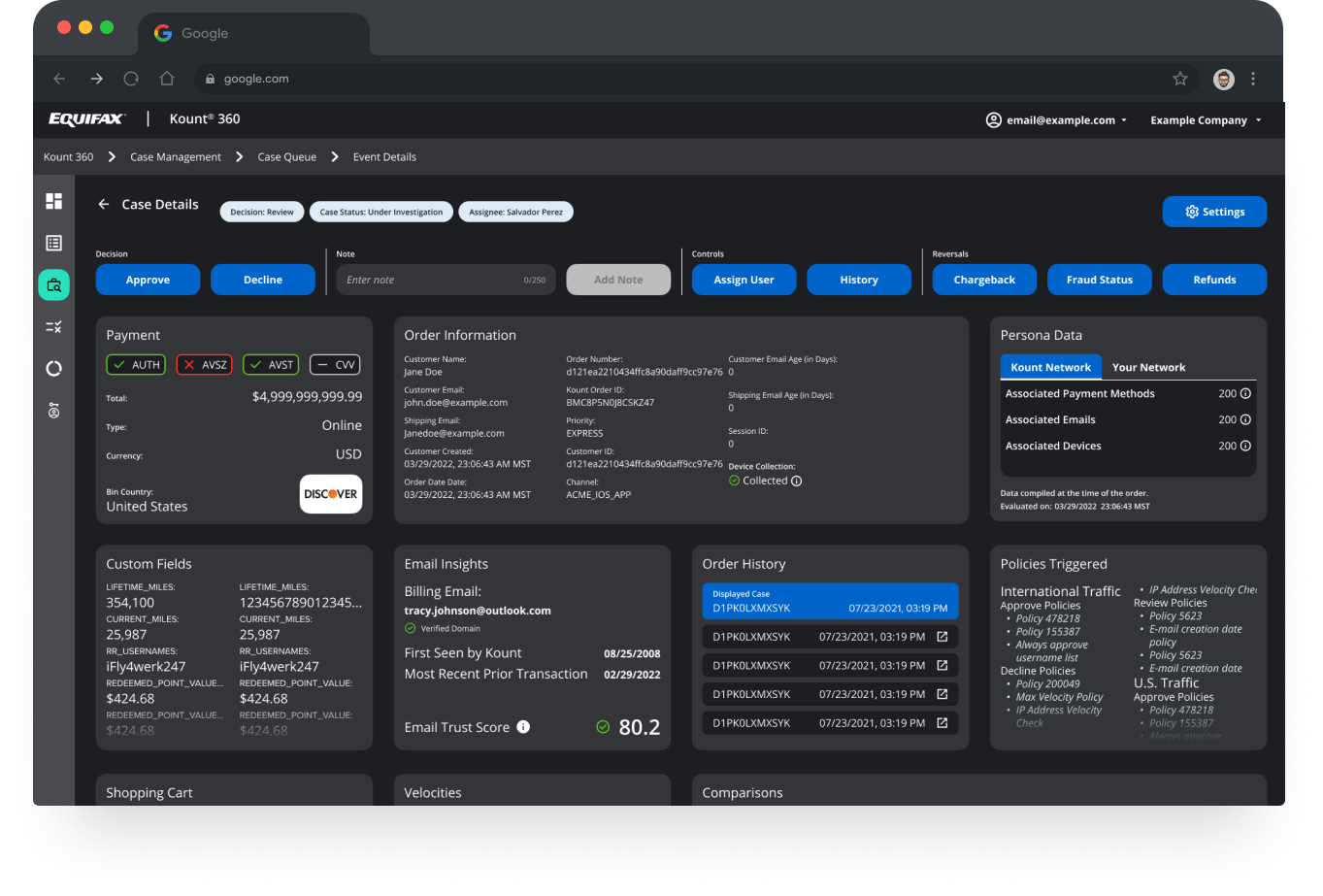
Highlighting the capabilities of the new user experience.
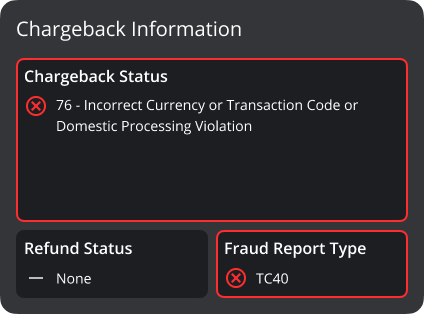
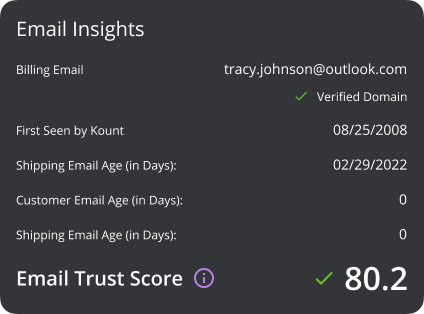
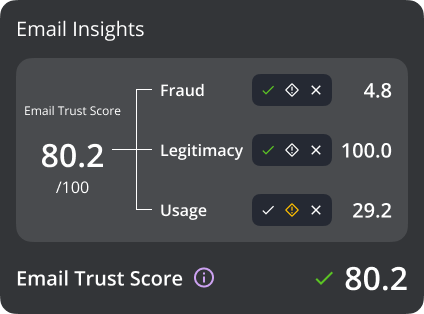
Features